Loading...
technology
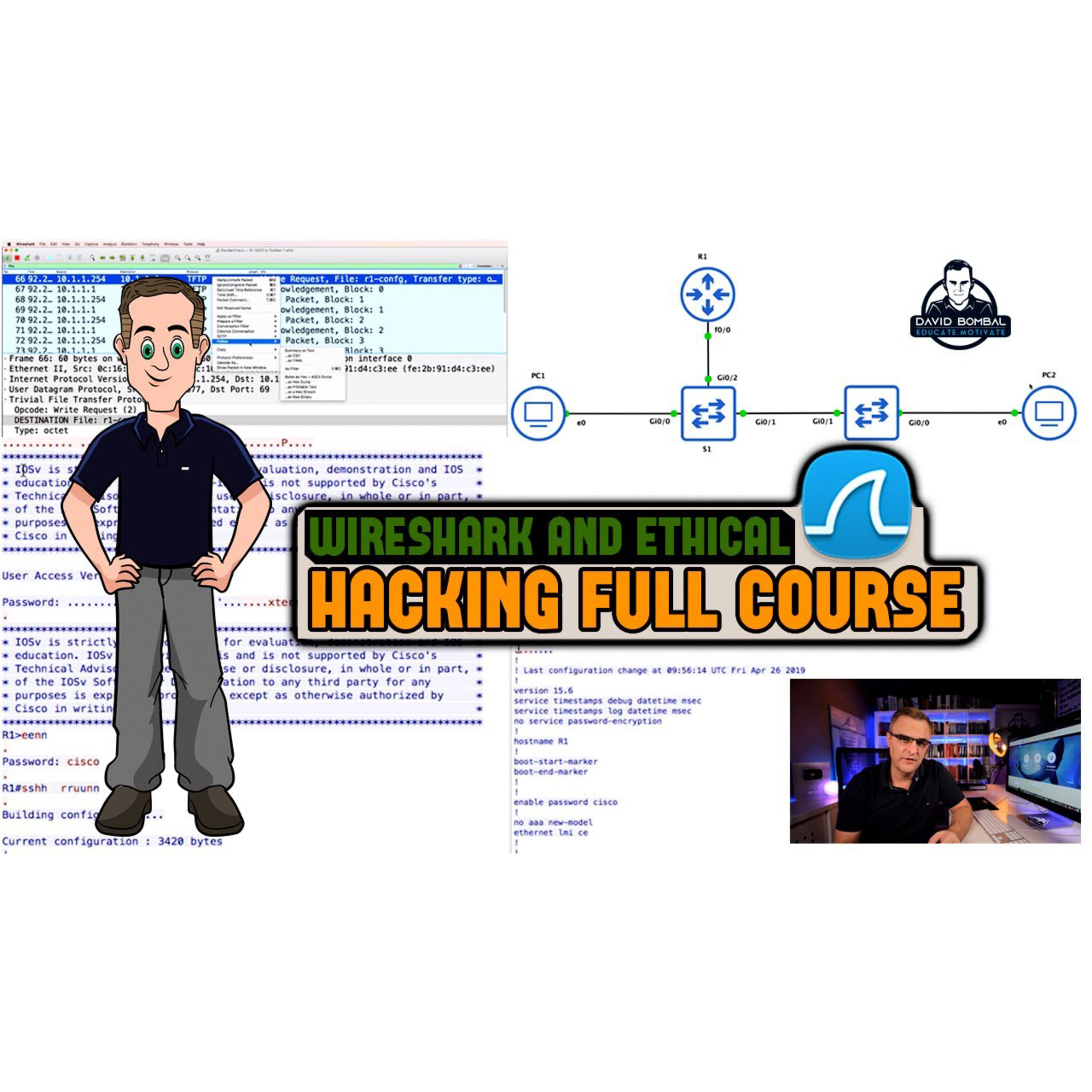
#186: David Bombal: Wireshark Display Filters | Free Wireshark and Ethical Hacking Course: Video #4
About this Episode
When using Wireshark, you're going to want to use Display Filters to filter what you see. In this video I show you how to use them.
Get the full Wireshark course for $9: bit.ly/wireshark9
👊👊👊support the mission, join thisisIT: bit.ly/thisisitwireshark
CCNA for $10: bit.ly/ccnafor10
Entire series: bit.ly/wiresharkhacking
Do you know how to use Wireshark Display Filters? Make sure you know where to capture packets or frames in a network. Do you know how devices such as hubs, switches and routers treat traffic? Do you know what port span is?
In this course I'm going to show you how to capture packets from a network, how to capture passwords, replay voice conversations, view routing protocol updates and many more options.
Do you know network protocols? Do you know how to hack? Want to learn wireshark and have some fun with Ethical hacking? This is the course for you:
Learn Wireshark practically. Wireshark pcapng files provided so you can practice while you learn! There is so much to learn in this course:
- Capture Telnet, FTP, TFTP, HTTP passwords.
- Replay VoIP conversations.
- Capture routing protocol (OSPF) authentication passwords.
- Troubleshoot network issues.
- Free software.
- Free downloadable pcapng files.
- Answer quiz questions.
The course is very practical. You can practice while you learn!
Learn how to analyze and interpret network protocols and leverage Wireshark for what it was originally intended: Deep Packet Inspection and network analysis.
Protocols we capture and discuss in this course include:
- Telnet
- FTP
- TFTP
- HTTP
- VoIP
- OSPF
- EIGRP
- DNS
- ICMP
Menu:
Overview: 0:00
Wireshark Display Filters Overview: 0:39
Demonstration: 2:12
ip.src filter: 3:52
ip.src or filter: 4:25
icmp filter: 5:37
Verify via devices: 7:27
ARP filter: 10:24
ip.dst filter: 12:02
ip.src and ip.dst filter: 13:07
Thank you to my supporters: 14:11
Thank you to my supporters: 6:25
pcap file used in the video: bit.ly/sharkpcap4
Wireshark playlist: bit.ly/wiresharkhacking
Hosts & Guests
No transcript available for this episode.


