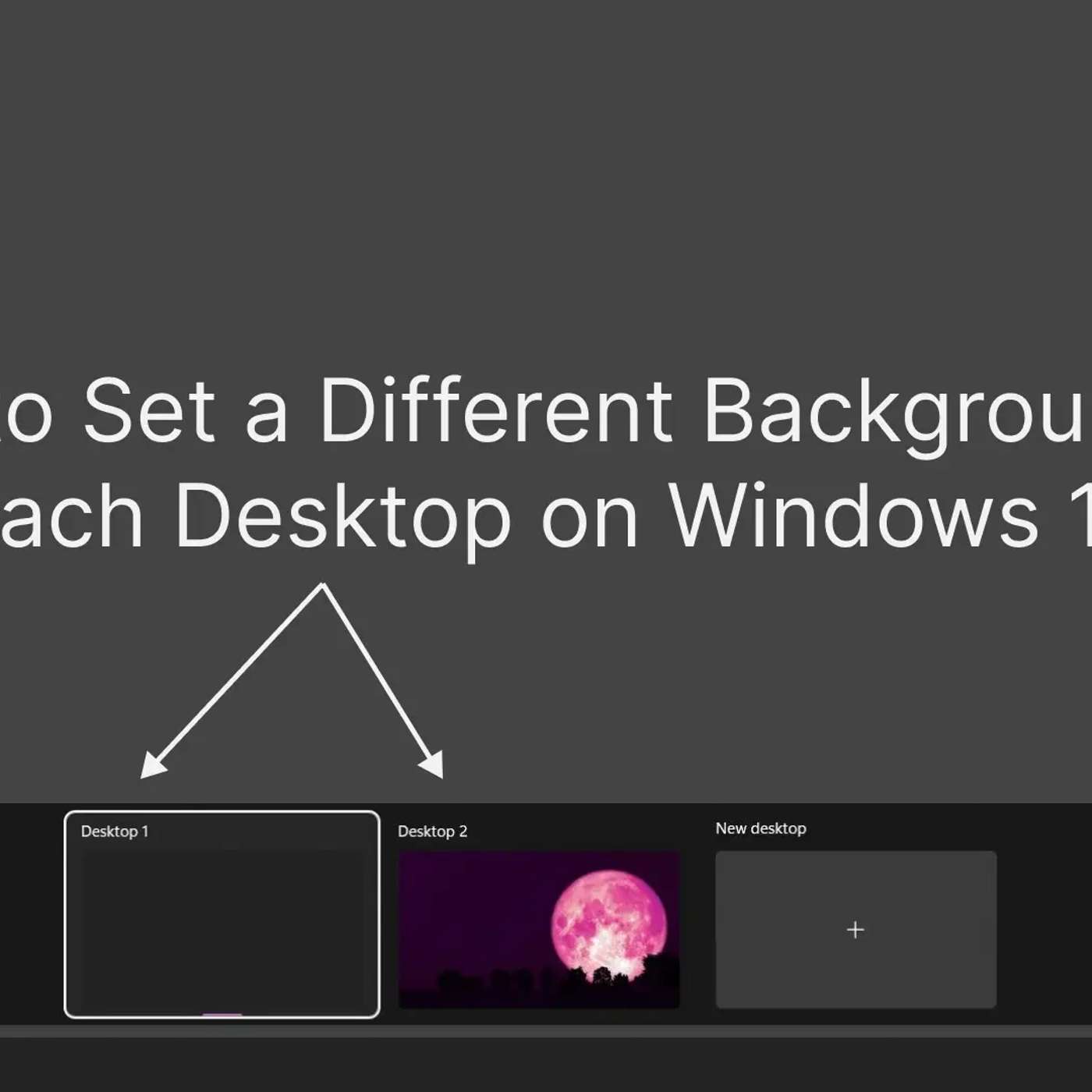
Setting Different Backgrounds for Each Desktop on Windows 11 and 10
About this episode
This story was originally published on HackerNoon at: https://hackernoon.com/setting-different-backgrounds-for-each-desktop-on-windows-11-and-10.
Learn how to set a different background wallpaper for each desktop (or monitor) on Windows 11 and 10 by following a simple trick in this article.
Check more stories related to life-hacking at: https://hackernoon.com/c/life-hacking.
You can also check exclusive content about #windows-hacks, #windows-11, #windows-10, #desktop-customization, #windows-customization, #desktop-backgrounds, #setting-different-backgrounds, #windows-desktop-customization, and more.
This story was written by: @heythisisvivek. Learn more about this writer by checking @heythisisvivek's about page,
and for more stories, please visit hackernoon.com.
In Windows, there is no limit on the number of desktops you can create from Task View. You can create as many desktops as you want and set different wallpapers for each. To verify that each desktop has its own separate background wallpaper, you can take another peek into the Task View using Win+Tab shortcut.
Get every episode summarized
Each time Life Hacking Tech Brief By HackerNoon publishes, we email you a written briefing from the transcript — the topics, who appeared, and any specific claims, with the ad reads skipped.
Email me new episodesFree for 3 shows. No card needed.
Hosts & guests
No transcript yet
This episode has not been transcribed. Request it and it moves to the front of the queue.
More episodes
More from Life Hacking Tech Brief By HackerNoon

Are LLMs Really Making Developers Worse at Learning?
Life Hacking Tech Brief By HackerNoon

Building LifeNets: Why They're Important
Life Hacking Tech Brief By HackerNoon

Designing a YouTube-to-MP4 Flow That Fails Honestly
Life Hacking Tech Brief By HackerNoon

The Best Response to the Desired Salary Question
Life Hacking Tech Brief By HackerNoon