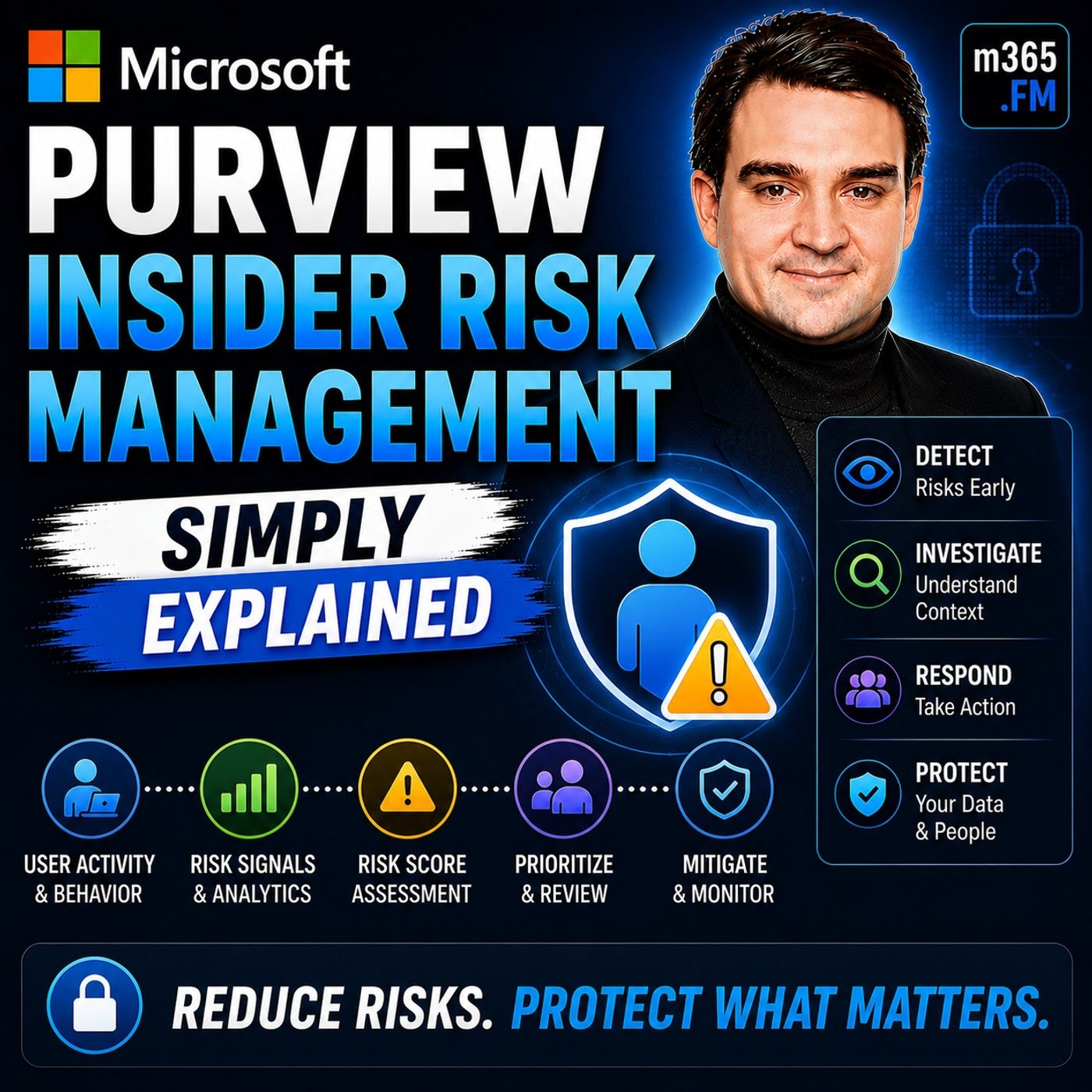
Microsoft Purview Insider Risk Management - Simply Explained
Get every episode summarized
Each time M365.FM - Modern work, security, and productivity with Microsoft 365 publishes, we email you a written briefing from the transcript — the topics, who appeared, and any specific claims, with the ad reads skipped.
Email me new episodesFree for 3 shows. No card needed.
About this episode
WHY INSIDER RISK IS DIFFERENT
Traditional cybersecurity is designed to stop unauthorized users from gaining access. Firewalls block unwanted network traffic. Multi-factor authentication verifies identities. Endpoint protection detects malware. These technologies are extremely effective against external attacks. However, they all share one important assumption: Once users successfully authenticate, they are generally trusted. That assumption creates a significant blind spot. Insider threats don't involve breaking into the organization. They involve legitimate users performing activities that become risky over time. Insider risk generally falls into two categories. Malicious insider risk includes intentional activities such as data theft, intellectual property theft, sabotage, or unauthorized data exfiltration. Accidental insider risk includes users mistakenly sharing confidential information, forwarding sensitive emails, copying files to personal storage, or violating security policies without realizing it. Traditional security solutions rarely detect these behaviors because, technically, the user is authorized to perform many of the underlying actions. Microsoft Purview Insider Risk Management focuses on identifying risky behavior rather than simply validating user access.
WHAT IS MICROSOFT PURVIEW INSIDER RISK MANAGEMENT?
Microsoft Purview Insider Risk Management is a compliance capability within Microsoft Purview that helps organizations identify, investigate, and respond to potentially risky user behavior. Rather than monitoring individual activities in isolation, the system analyzes patterns across Microsoft 365. Signals are collected from multiple Microsoft services, including:
- Exchange Online
- SharePoint Online
- OneDrive
- Microsoft Teams
- Microsoft Entra ID
- Endpoint activity
- Data Loss Prevention
- Sensitivity labels
HOW RISK SCORING WORKS
Microsoft Purview Insider Risk Management does not generate alerts based on a single isolated action. Instead, it evaluates combinations of activities over time. Examples of monitored indicators include:
- Large file downloads
- Email forwarding
- Printing sensitive documents
- USB file transfers
- Accessing sensitive SharePoint sites
- Uploading data to cloud storage
- Unusual login behavior
- After-hours activity
POLICIES, TEMPLATES, AND RISK INDICATORS
Microsoft provides predefined policy templates covering common insider risk scenarios. Examples include:
- Departing employees
- Data theft
- Data leaks
- Security policy violations
- Risky user behavior
- External email forwarding
- Printing
- USB usage
- Cloud storage uploads
- SharePoint downloads
- OneDrive synchronization
- Sensitive file access
- HR systems
- Employee resignation notices
- Badge access systems
- Legal investigations
- Compliance events
INVESTIGATING INSIDER RISK
When Microsoft identifies suspicious behavior, investigators receive an alert within the Microsoft Purview compliance portal. Each alert includes:
- Overall risk score
- User information
- Timeline of activities
- Associated indicators
- Supporting evidence
- File downloads
- Email forwarding
- USB transfers
- After-hours activity
- SharePoint access
Become a supporter of this podcast: https://www.spreaker.com/podcast/m365-fm-a-microsoft-mvp-podcast-by-mirko-peters--6704921/support.
Get every episode summarized
Each time M365.FM - Modern work, security, and productivity with Microsoft 365 publishes, we email you a written briefing from the transcript — the topics, who appeared, and any specific claims, with the ad reads skipped.
Email me new episodesFree for 3 shows. No card needed.
Hosts & guests
No transcript yet
This episode has not been transcribed. Request it and it moves to the front of the queue.
More episodes
More from M365.FM - Modern work, security, and productivity with Microsoft 365

Constraint-Based Scheduling: The Architecture That Makes Production Plans Real
M365.FM - Modern work, security, and productivity with Microsoft 365

A Machine Goes Down. How Should Your Production Plan React?
M365.FM - Modern work, security, and productivity with Microsoft 365

Can Value Stream Mapping Become a Live Data Model?
M365.FM - Modern work, security, and productivity with Microsoft 365

How Finite Capacity Scheduling Actually Works in Manufacturing
M365.FM - Modern work, security, and productivity with Microsoft 365