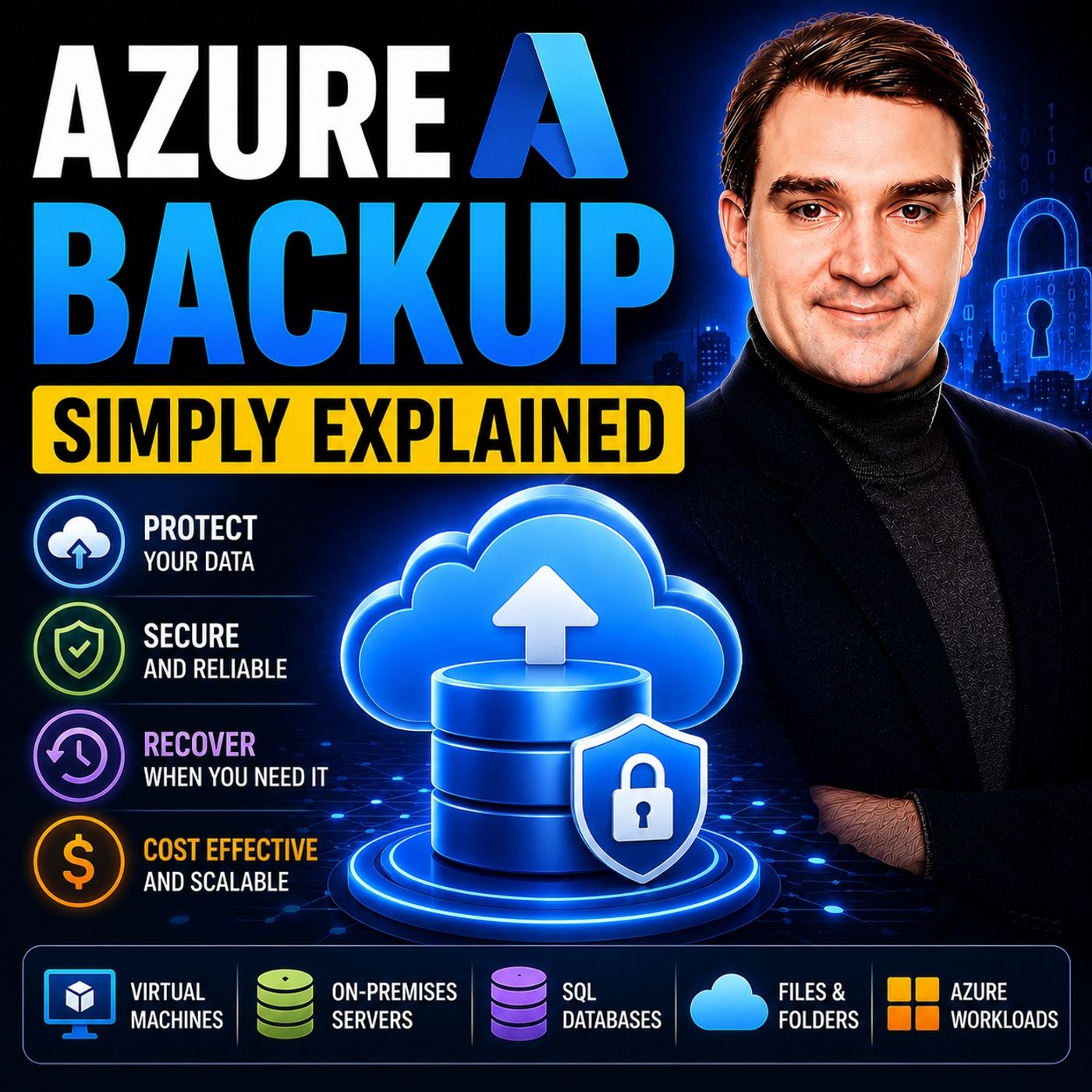
Azure Backup - Simply Explained
Get every episode summarized
Each time M365.FM - Modern work, security, and productivity with Microsoft 365 publishes, we email you a written briefing from the transcript — the topics, who appeared, and any specific claims, with the ad reads skipped.
Email me new episodesFree for 3 shows. No card needed.
About this episode
WHAT CAN AZURE BACKUP PROTECT?
Azure Backup supports a wide range of workloads across both cloud and hybrid environments. It protects Azure Virtual Machines, SQL Server and SAP HANA databases running inside Azure VMs, Azure Files, Managed Disks, Azure Blobs, and even physical servers or VMware virtual machines running on-premises. This unified approach allows organizations to centralize their backup strategy within a single Recovery Services Vault instead of managing multiple backup solutions. Whether your infrastructure is fully cloud-based or part of a hybrid environment, Azure Backup delivers consistent protection with centralized management and policy-based automation.
HOW AZURE BACKUP WORKS
Azure Backup uses a highly efficient two-phase protection process. First, it creates a point-in-time snapshot of your workload, enabling extremely fast recovery for recent restore points. Next, that snapshot is securely transferred to a Recovery Services Vault or Backup Vault for long-term storage and disaster recovery. After the initial full backup, Azure Backup performs incremental backups, transferring only changed data blocks instead of copying the entire workload each time. This significantly reduces backup windows, minimizes storage consumption, and lowers overall costs while maintaining comprehensive protection for your business-critical systems.
BUILT-IN SECURITY AGAINST RANSOMWARE
One of Azure Backup's greatest strengths is its security architecture. Backup data is encrypted both during transmission and while stored in Azure using industry-standard encryption. Features like Soft Delete protect accidentally or maliciously deleted backups, while Immutable Vaults prevent recovery points from being removed before their retention period expires. Multi-User Authorization adds an additional approval layer for sensitive administrative actions, reducing insider threats and protecting backup integrity. Azure Backup also integrates with Microsoft Defender for Cloud, allowing organizations to scan recovery points for potential malware before restoring critical workloads after a cyberattack.
AZURE BACKUP VS TRADITIONAL BACKUP SOLUTIONS
Compared to traditional backup infrastructure, Azure Backup dramatically simplifies operations. There are no backup servers to maintain, no storage arrays to purchase, and no tapes to rotate or transport offsite. Everything is managed directly within Azure using centralized backup policies, automated scheduling, and integrated monitoring. While enterprise solutions such as Veeam remain excellent choices for highly complex multi-cloud or hybrid environments, Azure Backup provides the simplest and most cost-effective solution for organizations whose workloads primarily run on Microsoft Azure. Deep integration with Azure services makes deployment and ongoing management significantly easier than many third-party alternatives.
BEST PRACTICES FOR A RELIABLE BACKUP STRATEGY
Creating backups is only half the story—successful recovery is what truly matters. Organizations should regularly perform restore tests to verify that applications, databases, and virtual machines can actually be recovered when needed. Choosing the appropriate retention policy, leveraging incremental backups, moving older recovery points into Archive Tier storage, and selecting the correct redundancy option (LRS or GRS) all help optimize costs while maintaining business resilience. Azure Backup enables businesses to build a modern backup strategy that is secure, scalable, cost-efficient, and prepared for everything from accidental deletions to large-scale ransomware attacks and regional disasters.
Become a supporter of this podcast: https://www.spreaker.com/podcast/m365-fm-a-microsoft-mvp-podcast-by-mirko-peters--6704921/support.
Get every episode summarized
Each time M365.FM - Modern work, security, and productivity with Microsoft 365 publishes, we email you a written briefing from the transcript — the topics, who appeared, and any specific claims, with the ad reads skipped.
Email me new episodesFree for 3 shows. No card needed.
Know when Microsoft Azure turns up
Follow Microsoft Azure and once a week we email you every new episode they appeared on — including guest spots the show notes never mention, because we read the transcript.
Follow Microsoft AzureFree. Pick your own day and time.
Hosts & guests
No transcript yet
This episode has not been transcribed. Request it and it moves to the front of the queue.
More episodes
More from M365.FM - Modern work, security, and productivity with Microsoft 365

IoT Hub Message Routing vs Event Grid — Why Telemetry and Events Are Not the Sam...
M365.FM - Modern work, security, and productivity with Microsoft 365

Building Azure That Survives the Real World — with Mike Martin [MVP]
M365.FM - Modern work, security, and productivity with Microsoft 365

Why Your Production Schedule Is Wrong Before It Even Starts
M365.FM - Modern work, security, and productivity with Microsoft 365

Microsoft 365 Copilot Without the Hype: Adoption, Governance & Getting Your Tena...
M365.FM - Modern work, security, and productivity with Microsoft 365